To receive Water Reporter updates, including event invitations and important notices, we need a current waiver form on file. Complete the waiver form
Step 2: Choose the Setup Guide That Works for You
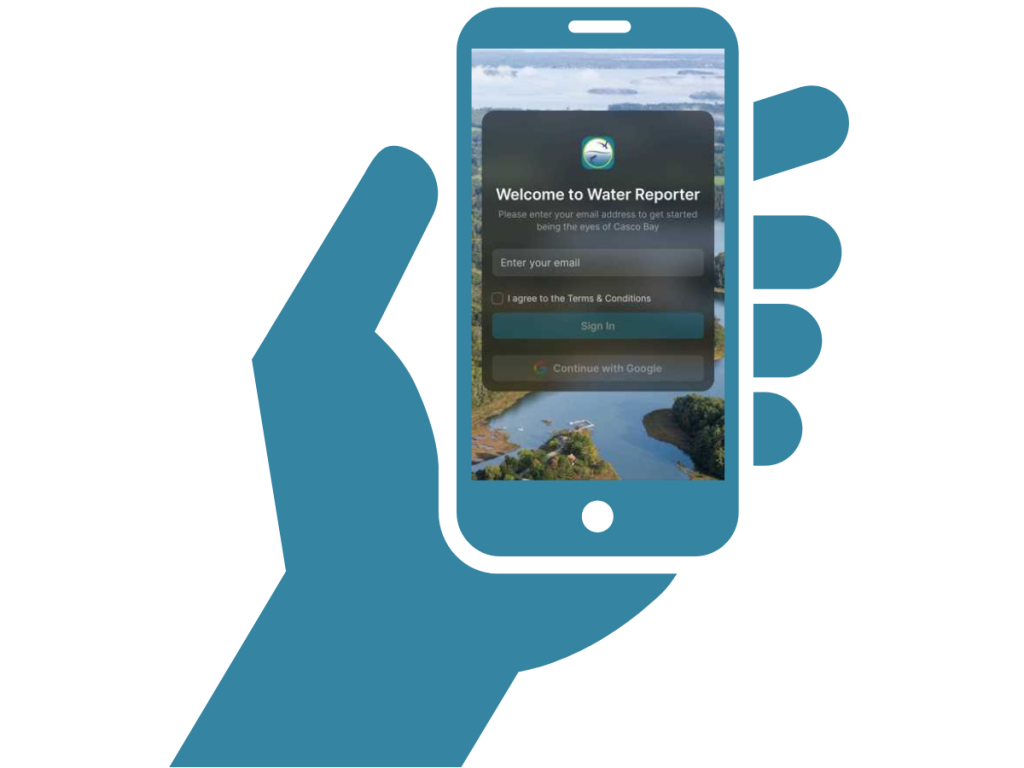
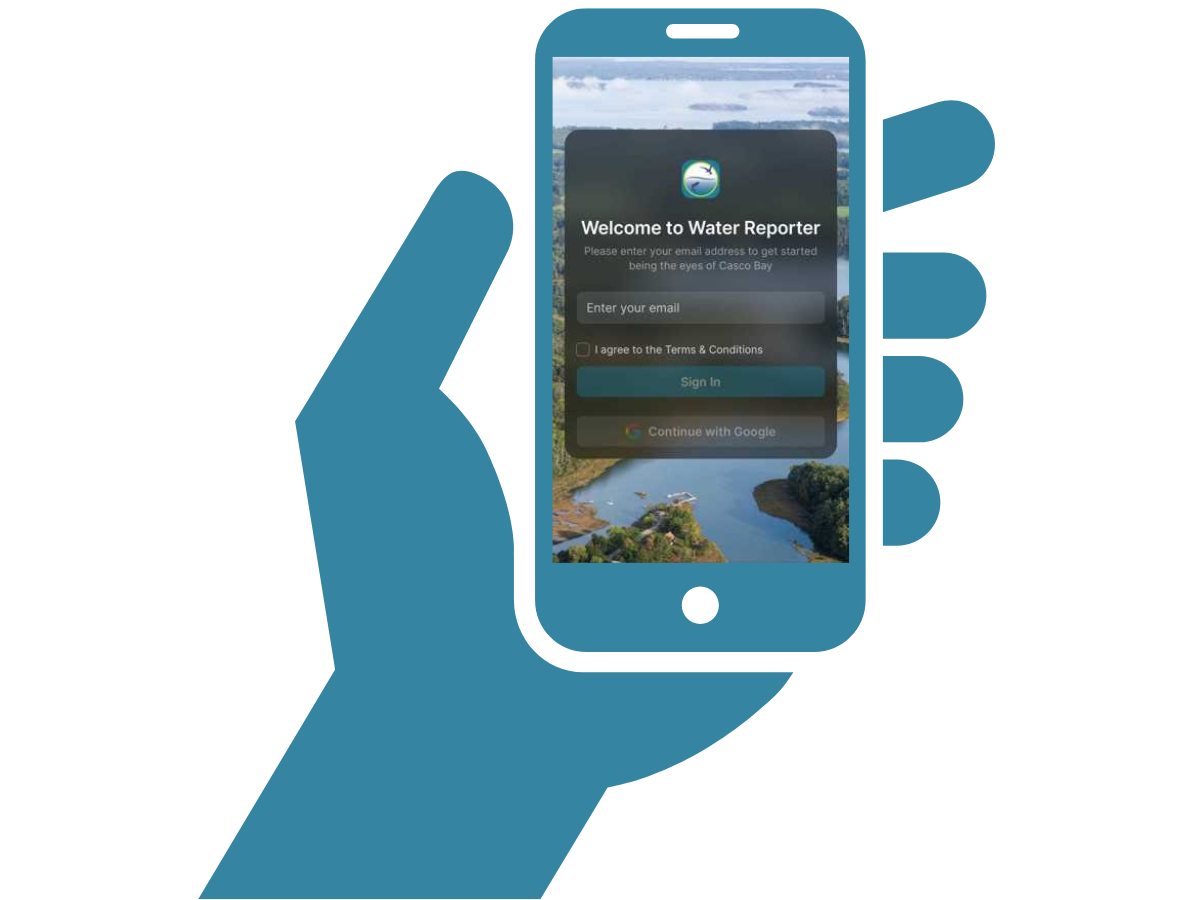
Please note: our Water Reporter app isNOT available through the App Store or Google Play. It is a web-based app that you’ll add to your mobile device’s home screen. Most folks will need guidance on how to set it up on their phone.
Option A: Watch the video tutorial
This option is ideal if you’d like step-by-step visuals or you’re new to setting up web-based apps.
After you’re set up, take a look at our tutorial playlist on YouTube to learn how to use other Water Reporter App features.
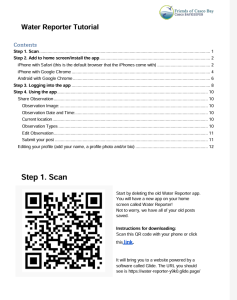
Option B: Download the PDF guide
Best for users who prefer written instructions or don’t have a second device.
If you are viewing this webpage on your phone, simply click this link.
If you are viewing this page on a second device, scan this QR code with your phone camera:
Step 4: Check out our Learning Resources
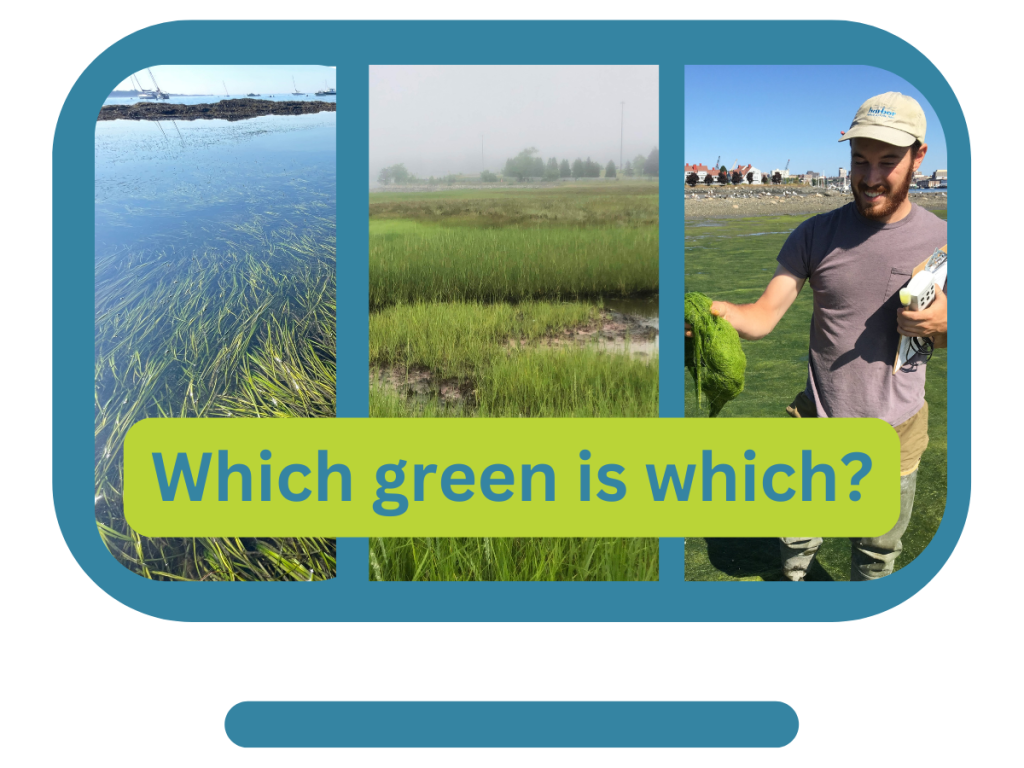
Here you’ll find guides to help you learn how to use the app, as well as detailed information about our key Water Reporter issues, like eelgrass, algae, sea level rise, and more.